
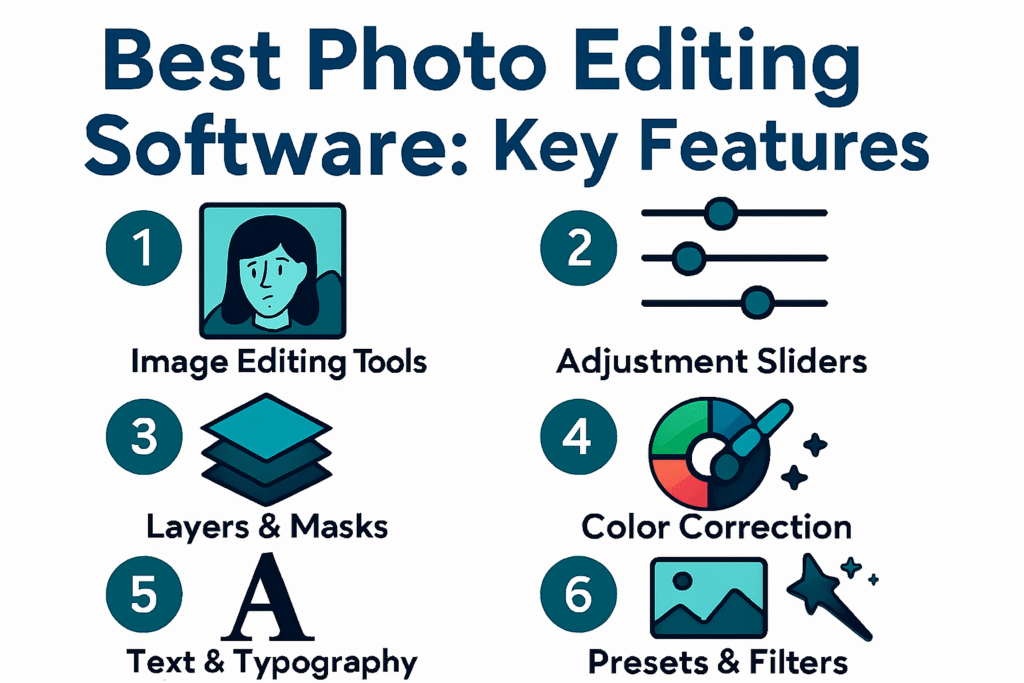

Finding the best photo editing software requires clarity about your skill level and creative goals. Each program offers distinct strengths, and the right choice depends on how you edit and what features you value most.
Professional photographers often choose Adobe Lightroom or Capture One because of their advanced RAW processing, precise color control, and reliable file management. Enthusiasts lean toward Luminar Neo, which combines intuitive design with powerful AI tools that simplify complex edits. Beginners appreciate Polarr, thanks to its accessible interface and presets that make editing fast and easy.
Free solutions also play an important role. Darktable delivers professional‑level features without cost, while Snapseed dominates mobile editing with more than 100 million downloads worldwide. These options prove that high‑quality results are possible without expensive subscriptions.
In short, the best photo editing software balances usability, creative freedom, and affordability. Whether you want AI‑powered automation, professional‑grade precision, or beginner‑friendly simplicity, there is a tool designed to fit your needs.
Which Software Is Best for Photo Editing?
Choosing the best photo editing software depends on your skill level and creative goals. Professional photographers often rely on Adobe Lightroom and Capture One for advanced RAW processing and file management. Enthusiasts prefer Luminar Neo for its AI‑powered tools that simplify complex edits. Beginners find Polarr easy to use thanks to its intuitive interface and presets.
Industry data shows that Lightroom remains the most widely used editor worldwide, with over 60% of professional photographers including it in their workflow. Capture One dominates in studio environments, while Luminar Neo has surged in popularity among hobbyists due to its AI features.
Which AI Software Is Best for Photo Editing?
AI tools are transforming photo editing. Luminar Neo leads the way with features like sky replacement, portrait enhancement, and object removal. ON1 Photo RAW Max offers AI keyword tagging and noise reduction, making it ideal for large photo libraries. Topaz Photo AI combines sharpening, noise reduction, and upscaling in one package, perfect for photographers who want automation.
AI editing saves time and boosts creativity. For example, Luminar Neo’s AI can replace skies in seconds, while Topaz Photo AI can upscale images by up to 600% without losing detail.
Which Photo Editor Is 100% Free?
Several free options deliver professional‑level results. Darktable is an open‑source editor with advanced RAW support and non‑destructive workflows. It rivals paid software with features like filmic tone mapping and color zones. GIMP remains a popular free Photoshop alternative, offering layers, masks, and plugins.
Darktable is especially popular among technically minded photographers. It supports Windows, macOS, and Linux, making it accessible to a wide audience.
What Is the No. 1 Free Editing App?
The No. 1 free editing app for mobile is Snapseed, developed by Google. It offers powerful tools like selective adjustments, healing brushes, and RAW support. Snapseed has over 100 million downloads on Android alone, making it the most widely used free photo editing app.
Other strong contenders include Polarr Free for beginners and Lightroom Mobile Free for those who want cloud integration without paying upfront.
Comparison of the Best Photo Editing Software
| Software | Best For | Key Features | Pricing Model |
| Adobe Lightroom | All‑around editing | Presets, RAW editing, cloud sync | Subscription |
| Adobe Photoshop | Precision edits | Layers, retouching, AI tools | Subscription |
| Capture One | Studio workflows | Tethering, color control, RAW support | Subscription/License |
| Luminar Neo | Creative AI edits | Sky replacement, portrait AI | One‑time purchase |
| Affinity Photo | Photoshop alternative | HDR, panorama, layer editing | Free (post‑Canva) |
| ON1 Photo RAW | All‑in‑one solution | Layers, presets, AI tools | One‑time/Subscription |
| DxO PhotoLab | Image quality | DeepPRIME noise reduction, lens fixes | One‑time purchase |
| Darktable | Free advanced editing | RAW support, non‑destructive workflow | Free |
| Snapseed | Mobile editing | Selective edits, RAW support | Free |
FAQs
1. Which software is best for photo editing?
The best photo editing software depends on your workflow. Professionals often choose Adobe Lightroom or Capture One for RAW processing and color accuracy. Enthusiasts prefer Luminar Neo for its AI tools. Beginners find Polarr easy to use thanks to its presets and simple interface.
2. Which AI software is best for photo editing?
Luminar Neo leads with AI features such as sky replacement and portrait enhancement. ON1 Photo RAW Max offers AI keyword tagging and noise reduction. Topaz Photo AI combines sharpening, noise reduction, and upscaling, making it ideal for automation.
3. Which photo editor is 100% free?
Darktable is a free, open‑source editor with professional‑level features. It supports RAW files and non‑destructive workflows. GIMP is another free option, offering layers, masks, and plugins similar to Photoshop.
4. What is the No. 1 free editing app?
The No. 1 free editing app is Snapseed, developed by Google. It offers selective adjustments, healing tools, and RAW support. Snapseed has more than 100 million downloads on Android, making it the most widely used free mobile editor.
5. Is Lightroom better than Photoshop?
Lightroom is better for organizing and batch editing large collections. Photoshop is better for detailed, pixel‑level edits. Many photographers use both together for a complete workflow.
6. Do professional photographers use Lightroom?
Yes. Surveys show that more than 60% of professional photographers include Lightroom in their daily workflow because of its speed and consistency.
7. Which free editor supports RAW files?
Darktable and RawTherapee both support RAW files for free. They provide advanced tools for exposure, color, and tone adjustments.
8. What is the easiest photo editor for beginners?
Polarr is the easiest for beginners. It offers presets, simple sliders, and a clean interface. Snapseed is also beginner‑friendly for mobile users.
9. Which software is best for mobile photo editing?
Lightroom Mobile is the best for professionals who want cloud sync. Snapseed is the best free option. VSCO is popular for creative filters and social sharing.
10. Which software offers the best value? Affinity
Photo offers Photoshop‑like tools without a subscription. Luminar Neo provides AI features with a one‑time purchase. Both are cost‑effective alternatives to subscription models.
Key Takeaways
- The best photo editing software varies by user type: Lightroom for professionals, Luminar Neo for enthusiasts, Polarr for beginners.
- AI software like Luminar Neo, ON1 Photo RAW Max, and Topaz Photo AI deliver fast, automated results.
- Darktable and GIMP are the best free desktop editors, while Snapseed is the No. 1 free mobile app.
- Subscription models dominate, but one‑time purchase options like Luminar Neo and Affinity Photo remain attractive.
- Get the latest updates and quick reads at QuickFast.blog.