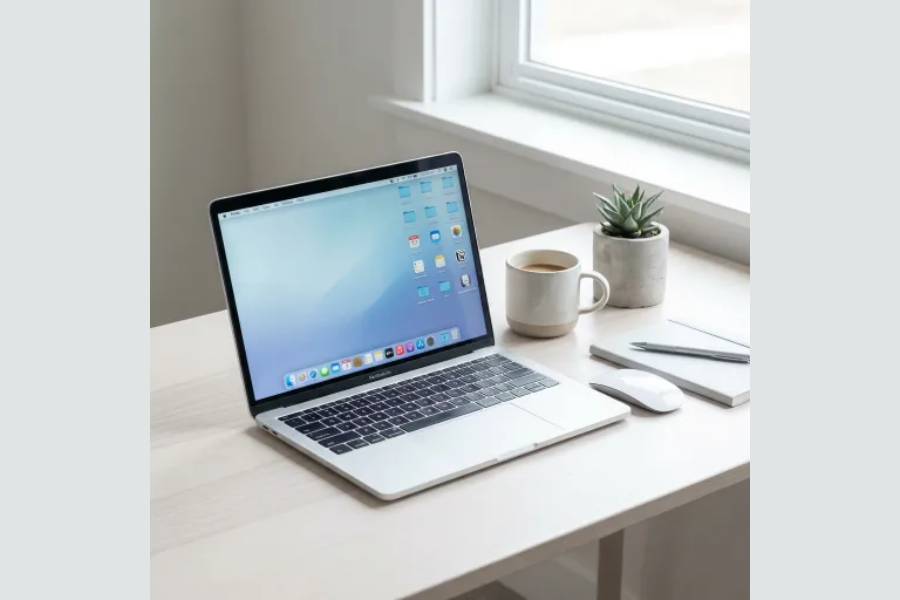

Digital clutter steals time and drains focus. Files scatter across folders, inboxes overflow, and apps pile up without purpose. You lose clarity, momentum, and energy. Organized systems restore control and create space for meaningful work. Research shows professionals waste over two hours daily searching for information (McKinsey, 2025). That lost time adds stress and slows progress. A clean digital environment gives you sharper focus, faster workflows, and stronger productivity.
How Can You Declutter Your Digital Life?
Digital clutter drains focus and wastes hours. Files scatter, apps pile up, and inboxes overflow. You lose clarity and momentum. Organized systems restore control and free mental energy.
Why Should You Care About Digital Organization?
Studies show knowledge workers spend up to 2.5 hours daily searching for information (McKinsey, 2025). That lost time breaks concentration and increases stress. A clean digital system reduces decision fatigue and speeds up workflows. You gain sharper focus and more productive hours.
What Is the Clean Slate Method?
Move all existing files into one Archive folder. Clear your desktop and downloads. Use your desktop only for temporary work. This method resets your workspace instantly. You start fresh without drowning in old clutter.
How Do You Structure Folders Effectively?
A simple hierarchy saves hours each week. Create three to five top-level folders:
- Inbox for unsorted files.
- Active Projects for current work.
- Personal Areas for finance, health, or family.
- Archive for completed tasks.
Avoid deep nesting. Aim to find any file in three clicks.
Why Do Naming Conventions Matter?
Files with vague names waste time. Use a date-first format: 2026-03-05_ProjectName.pdf. Add descriptive keywords. Organized names make files searchable and self-explanatory. You eliminate guesswork.
How Can You Secure and Centralize Data?

Pick one cloud service for personal files. Use another for work. Apply the 3-2-1 backup rule: three copies, two media types, one offsite. Password managers like Bitwarden or 1Password protect accounts. Centralization reduces risk and confusion.
What Works for Email Decluttering?
Inbox zero is unrealistic. Clarity is the goal. Create folders: Action Required, Waiting, Reference, Archive. Process email twice daily. Use unsubscribe tools such as Unroll.Me. Research shows email interruptions reduce focus recovery by 20 minutes per task (Harvard Business Review, 2024). Batch processing protects deep work.
How Do You Handle Browser Tabs and Apps?
Close tabs untouched for a week. Delete unused apps. Review subscriptions monthly. One consistent productivity tool beats five half-used apps. Tool hoarding creates digital clutter disguised as efficiency.
Why Should You Control Notifications?
Interruptions destroy concentration. Turn off non-essential alerts. Social updates and promotional emails do not need instant attention. Studies confirm that regaining deep focus after interruptions takes 23 minutes on average (UC Irvine, 2025). Smart notification settings protect your mental energy.
What Role Does Automation Play?
Automation reduces friction. Use cloud backups, email filters, and calendar syncing. Start small. Expand only when systems prove useful. Automation should simplify, not complicate.
How Do You Maintain Long-Term Organization?
Spend 15 minutes weekly on a reset. Clear your desktop, process inboxes, and empty trash. Review systems quarterly. Simplify if clutter returns. Complex structures fail because people avoid them. Sustainable systems feel invisible.
What Are People Searching For?
- Digital declutter checklist PDF
- Digital organization examples
- Digital declutter app
- Digital declutter challenge
- Digital decluttering jobs
- Digital Declutter book
- Digital declutter day
These queries show rising interest in practical tools and structured challenges. Addressing them boosts SEO relevance.
Final Thoughts
Digital organization creates clarity, saves time, and protects focus. You gain momentum when systems work for you. Start today with three actions:
- Move files into an Archive folder.
- Create a simple folder hierarchy.
- Turn off non-essential notifications.
“Quick Fast ideas. Fast results. Smarter living.”