
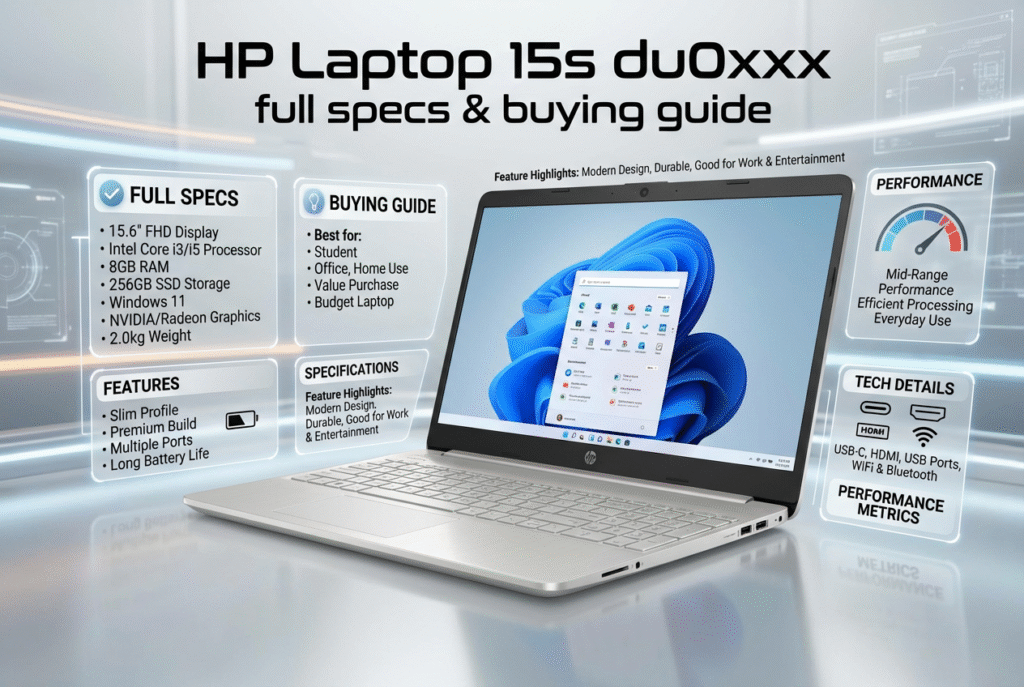

You get a budget 15.6‑inch laptop family that balances price and upgradeability. You can choose Intel Pentium to Core i7 CPUs and HD or Full HD screens. You can add an NVMe SSD and up to 16 GB RAM to boost speed. You can use it for study, office work, and streaming.
What is the hp laptop 15s du0xxx series?
You see a family of budget laptops under one umbrella. You pick a product code like 15s‑du0000 or 15s‑du0052TX. You get Intel chips from Pentium Silver to 8th Gen Core i7. You choose HD or Full HD. You add an HDD or NVMe SSD. You target everyday tasks and study.
- Scope: Multiple configs under “du0xxx” cover entry to mid‑range.
- Audience: Students, office users, and home use.
- Use case: Web, docs, video, and calls.
Do you want a simple machine that feels reliable day to day?
What specs matter most for hp laptop 15s du0xxx?
You focus on the core parts. You lock down the right display, CPU, RAM, and storage. You check ports and wireless.
- Processor: Intel Pentium Silver N5000, Core i3‑7020U, Core i5, Core i7 8th Gen.
- Display: 15.6‑inch. HD 1366×768 or Full HD 1920×1080. Anti‑glare in many units.
- Memory: 4 GB or 8 GB DDR4. Most units allow 16 GB.
- Storage: 1 TB 5400 rpm HDD plus M.2 NVMe slot. SSD lifts boot and app launch.
- Graphics: Intel UHD in most units. MX130 appears in select units.
- Ports: USB‑C, multiple USB‑A, HDMI 1.4b, RJ‑45, audio combo, SD reader.
- Connectivity: 802.11ac Wi‑Fi and Bluetooth 4.2.
- OS: Windows 10 Home in older units. Windows 11 support in newer lines.
Do you plan to add an NVMe SSD for a speed boost?
You see a clear uplift from HDD to NVMe. You cut boot time and app load time. You notice smoother multitasking in office work.
How does the hp laptop 15s du0xxx perform in real use?
You get smooth web and office work with an SSD. You see moderate gains with MX130 for casual games. You keep fan noise low under normal load.
- Daily tasks: Docs, sheets, calls, and streaming feel fine on SSD units.
- Media: MX130 helps light titles and quick edits.
- Thermals: Fans stay quiet in routine use.
- Battery: 4 to 7 hours based on load and panel type.
Do you work long hours away from power? You may carry a charger for longer classes or shifts.
Users report stable behavior in office apps. Users note faster response after storage upgrades. Users highlight better multitasking after RAM upgrades.
What design traits should you expect?
You get a slim body near 1.7 kg. You use a full keyboard with numpad. You see a plastic shell that holds up for daily use. You may miss a backlight on the keyboard.
- Build: Plastic shell, practical finish, decent rigidity for the price.
- Keyboard: Comfortable feel, clear layout, numpad helps data entry.
- Backlight: Many units skip backlit keys.
- Display: TN panels show weak angles and color in some units. Full HD IPS units feel better.
Do you care about color accuracy and angles? You choose Full HD with an IPS panel if available in your market.
How do you upgrade hp laptop 15s du0xxx the right way?
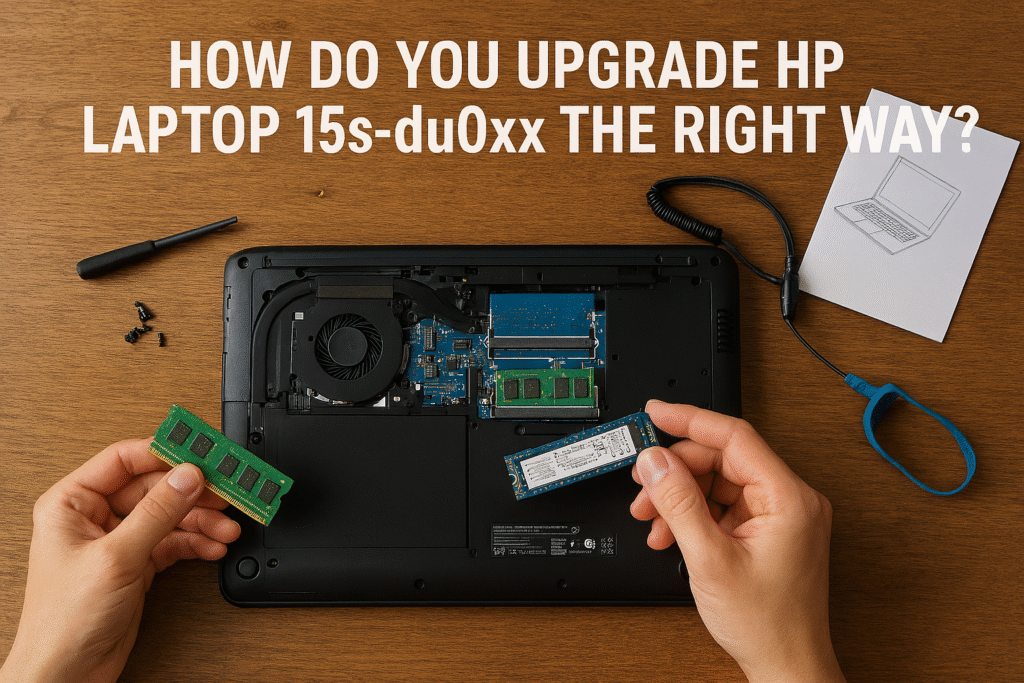
You open the base carefully. You add RAM up to 16 GB in most units. You add an M.2 NVMe SSD. You keep the HDD for bulk files if the unit allows both.
- RAM plan: 8 GB as a start. 16 GB for heavy tabs and large sheets.
- SSD plan: NVMe for OS and apps. HDD for media if present.
- Steps: Backup data. Power off. Ground yourself. Swap parts. Reinstall OS or clone.
Do you need faster responses in browsers and Office? You add NVMe first. You add RAM a second if you push many tabs.
Users report clear wins after SSD upgrades. Users see fewer slowdowns after RAM upgrades. Users value easy access to slots in du0xxx units.
Which hp 15s variant fits your use best?
You compare close siblings to avoid regrets. You match specs to tasks and budget.
| Model family | Target user | Key traits | Upgrade path |
| 15s‑du0xxx | Budget and study | Wide CPU range, HD/Full HD, MX130 in some units | RAM and NVMe SSD in most units |
| 15s‑du1xxx | Budget refresh | Newer Intel options, modest battery gains | Similar upgrade path |
| 15s‑fq1556ng | Entry Core i3 | NVMe speed, TN panel limits, no RAM upgrade | Storage only in many units |
Sources: User device families and typical configs across du series and fq1556ng insights.
Do you want smoother visuals for study or content? You pick Full HD in du0xxx or du1xxx over TN in fq1556ng.
Who should buy hp laptop 15s du0xxx?
You buy du0xxx if you need value and upgrades. You care about simple tasks done well. You prefer a clean keyboard layout with a numpad.
- Students: Notes, LMS, docs, and calls run fine.
- Office users: Docs, sheets, mail, and ERP on SSD feel smooth.
- Home use: Web, bills, and streaming suit the spec.
- Budget buyers: Strong value due to RAM and SSD upgrades.
Do you need color work or heavy media? You consider a better display and stronger GPU outside this range.
What is the quick verdict for hp laptop 15s du0xxx?
You get solid value and clear upgrade paths. You accept plastic build and basic panels at this price. You secure reliable everyday use with SSD and adequate RAM.
Do you want a safe pick for study and office? You choose hp laptop 15s du0xxx with Full HD and NVMe SSD. You add RAM to 16 GB if you push many tabs. You avoid TN panels if you care about angles and color.
FAQs
What is the HP Laptop 15s du0xxx series?
The series groups budget 15.6‑inch laptops that balance price and upgradeability. You choose from multiple configurations that target students and everyday users.
Which processors come in the du0xxx family?
You find Intel Pentium Silver, Core i3, Core i5, and up to 8th Gen Core i7 in various SKUs. Newer du‑series models use 10th and 11th Gen Intel chips in some markets.
What display options are available?
You can pick HD (1366×768) or Full HD (1920×1080) panels. You get anti‑glare and micro‑edge options on many units.
How much RAM does the HP 15s du0xxx support?
Most SKUs ship with 4 GB or 8 GB DDR4 and support up to 16 GB after upgrade. You install a compatible DDR4 SODIMM to expand memory.
Does the laptop support NVMe SSDs?
Many models include an M.2 slot that accepts NVMe SSDs. You add an NVMe drive to cut boot time and speed app launches.
Which models include a discrete GPU?
Select SKUs ship with NVIDIA GeForce MX130 for light gaming and multimedia. You choose those units if you need better graphics than integrated Intel UHD.
What ports and connectivity does it offer?
You get USB‑C, multiple USB‑A ports, HDMI 1.4b, RJ‑45 Ethernet, audio combo jack, and an SD card reader on many units. You also get 802.11ac Wi‑Fi and Bluetooth 4.2 in common configurations.
How long does the battery last?
Battery life varies by configuration and workload. You can expect roughly 4 to 7 hours on mixed use depending on screen type and power settings.
Is the laptop easy to upgrade?
You can access RAM and storage on most SKUs through the service panel. You add RAM or an NVMe SSD to gain noticeable performance improvements.
What are the main drawbacks to expect?
Lower‑end units use TN panels that show limited viewing angles and muted color. You also get a plastic chassis on many SKUs and missing keyboard backlight on some models.
Who should buy the HP 15s du0xxx?
You buy it if you need a reliable, affordable laptop that you can upgrade later. Students, office users, and casual home users find strong value in the series.
How do I choose the right du0xxx SKU?
You match CPU, RAM, and storage to your workload. You pick Full HD and NVMe SSD for better visuals and speed; you pick higher RAM if you run many browser tabs or heavy spreadsheets.
Speedy coverage. Thoughtful perspective. Only on QuickFast