
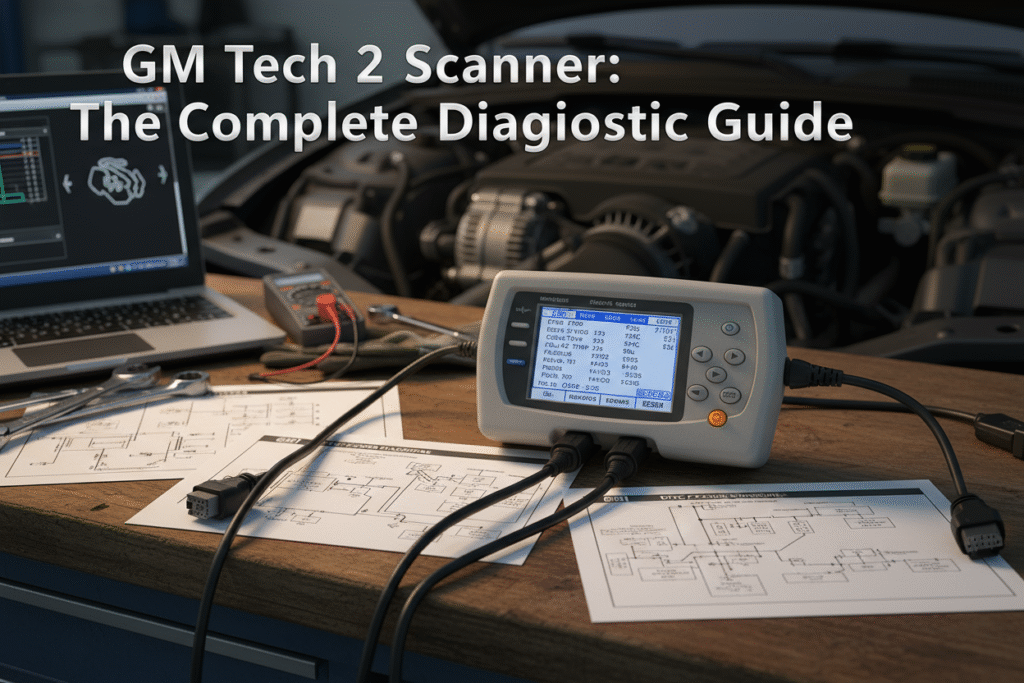

The GM Tech 2 Scanner is a professional-grade diagnostic tool built specifically for GM vehicles. It provides real-time data access, bi-directional control, and ECU programming capabilities across models from 1992 to 2013. You can use it to read trouble codes, reset service indicators, program new keys, and update vehicle modules.
This scanner supports multiple brands including Chevrolet, Holden, Saab, Opel, Isuzu, and Suzuki, making it a versatile solution for technicians and enthusiasts. When paired with Tech2Win software and a valid TIS2WEB subscription, it delivers dealer-level diagnostics and programming.
Whether you’re managing a fleet or servicing older GM vehicles, the GM Tech 2 Scanner offers deep functionality, reliable performance, and scalable support for advanced automotive diagnostics.
What is the GM Tech 2 Scanner?
The GM Tech 2 Scanner is a professional diagnostic tool built for GM vehicles from 1992 to 2013. You can use it to access real-time data, run bi-directional tests, and program ECUs. It supports multiple brands including Chevrolet, Holden, Saab, Opel, Isuzu, and Suzuki. When paired with Tech2Win software and a valid TIS2WEB subscription, it delivers dealer-level diagnostics and programming capabilities.
Why should you still use the GM Tech 2 Scanner?
Over 40 million GM vehicles on North American roads still rely on Tech 2-compatible systems. Newer tools like MDI2 and VXDIAG VCX Nano support modern protocols, but Tech 2 remains essential for legacy models. You gain deep access to modules, BCM relearn functions, and key programming.
Statistic: GM-specific diagnostic tools represent a critical segment of a $38B global market, growing at 6.8% CAGR.
What features make the GM Tech 2 Scanner stand out?
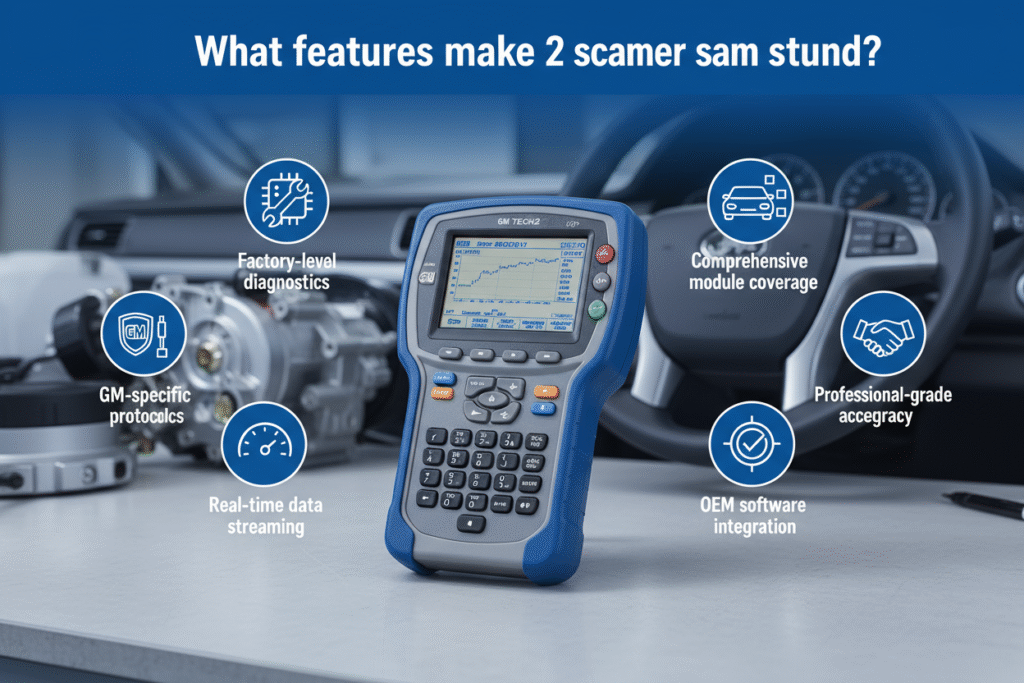
- Real-Time Data Display: Monitors engine, transmission, ABS, and body systems.
- Bi-Directional Control: Sends commands to test actuators and system responses.
- ECU Programming: Links BCMs to ECUs, programs new keys, and updates software.
- Freeze Frame & Failure Record: Captures diagnostic snapshots for later review.
- Multi-Platform Software Support: Compatible with GM English 32.007, SAAB 148, OPEL 165, Holden 149, Suzuki 01.210.020, and Isuzu K-line 11.53.
How does TechRoute66 enhance GM Tech 2 functionality?
TechRoute66 offers remote software loading, 1-year support, and dealer-level access via Tech2Win + Online Dealer Account. You gain:
- Unlimited SPS Programming
- Access to newer GM models
- Regular software updates
- Custom configuration for your diagnostic needs
What are the best GM Tech 2 Scanner alternatives?
| Product Name | Price | Key Features | Rating |
| VNCI MDI2 GM Diagnostic Scanner | $180 | CANFD/DoIP, Techline Connect | 4.9 |
| VXDIAG VCX NANO for GM/OPEL | $105 | GDS2/Tech2Win, 1-year warranty | 4.7 |
| THINKCAR ThinkScan Max 2 | $302 | Lifetime updates, 93+ brands, CANFD | 4.8 |
| GDS Pro Diagnostics Interface | $68 | Tech2Win emulation, MDI2 alternative | 4.4 |
| LaunchX-431 IMMO Programming Tool | $1,090 | SPS2 support, immobilizer programming | 5 |
High-rated scanners like VNCI MDI2 and VXDIAG VCX Nano offer modern protocol support and cost-efficiency, while LaunchX-431 provides premium SPS2 access for advanced programming.
What should you know before buying a GM Tech 2 Scanner?
- Subscription Requirements: SPS functions need a TIS2WEB subscription ($55 for 2 days, $275 for 3 months).
- Software Compatibility: Ensure Tech2Win and Techline Connect support.
- Hardware Specs: Look for 32-bit processors, RS232 ports, and PCMCIA memory slots.
- Compliance: Devices must meet SAE J2534-1 and J2534-2 standards.
- Support: Choose vendors offering 3-year technical support and firmware warranties.
Statistic: Over 73% of new scanner shipments now feature wireless capabilities and cloud-based calibration.
FAQs
Q: What can a GM Tech 2 Scanner do?
A: It retrieves DTCs, resets service messages, programs ECUs, recalibrates speedometers, and clones key chips.
Q: Does it require a subscription?
A: Yes. SPS programming requires a TIS2WEB subscription via AC Delco.
Q: Is the Tech 2 clone reliable?
A: Clones work well for DIY use but may lack firmware stability and dealer-level support.
Q: Can it diagnose newer GM models?
A: Only with Tech2Win emulation and updated software. For 2018+ models, MDI2 or VCX Nano is recommended.
Final Thoughts
The GM Tech 2 Scanner remains a critical tool for GM diagnostics, especially when paired with TechRoute66 enhancements and Tech2Win software. Whether you’re managing a fleet or servicing older GM vehicles, this scanner delivers deep functionality, reliable performance, and scalable support.
Fast reads. Smart insights. Hit go at QuickFast